Bee-Bot® Programmable Robot Single Set

Regular price $99.75
Regular price $0.00 Sale price $99.75
Grades PreK-2

Bee-Bot Programmable Robot Single Set—The Screen-Free Starting Point for Early Coding

Regular price $99.75
Regular price $0.00 Sale price $99.75
Shipping calculated at checkout.

SKU: SKU:46634

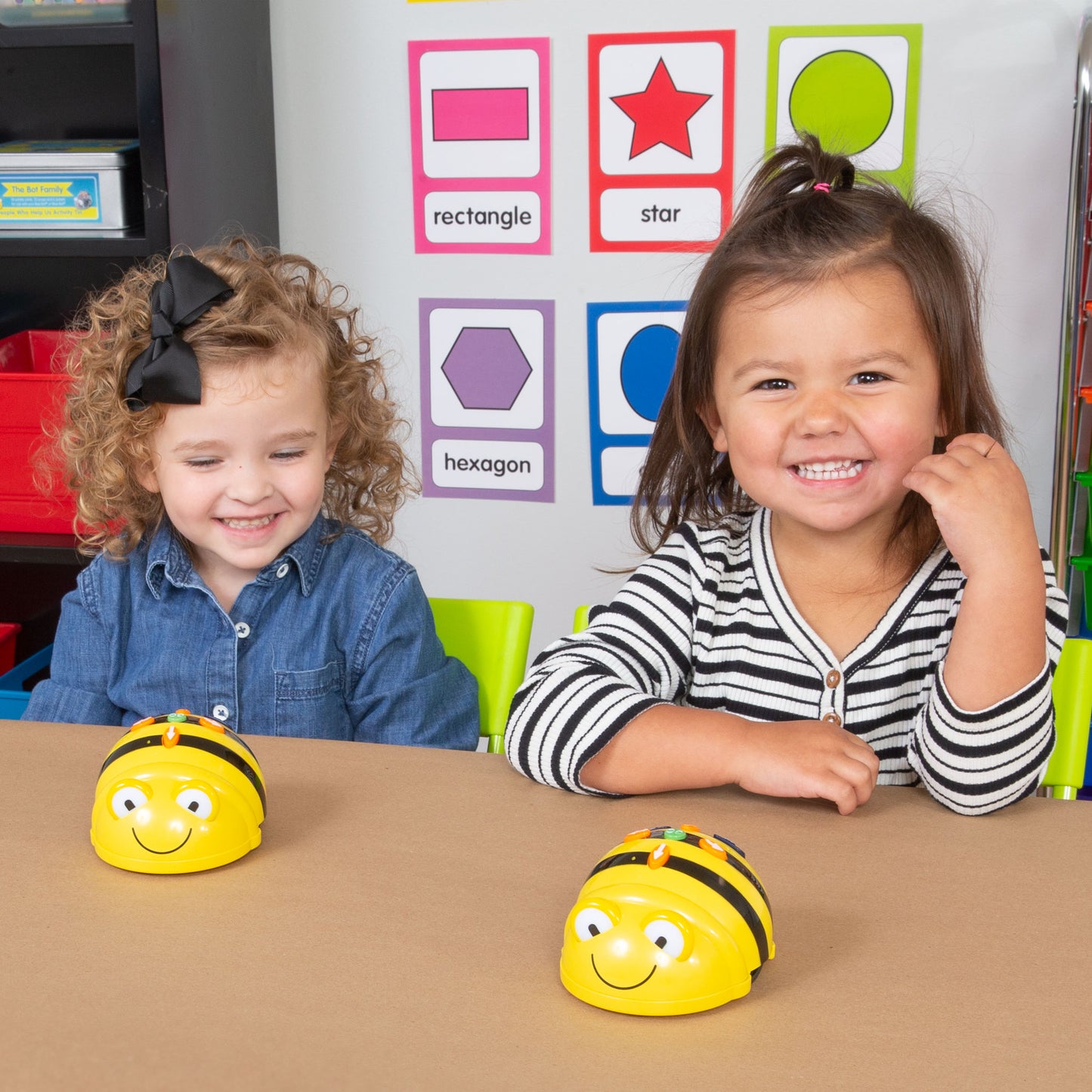
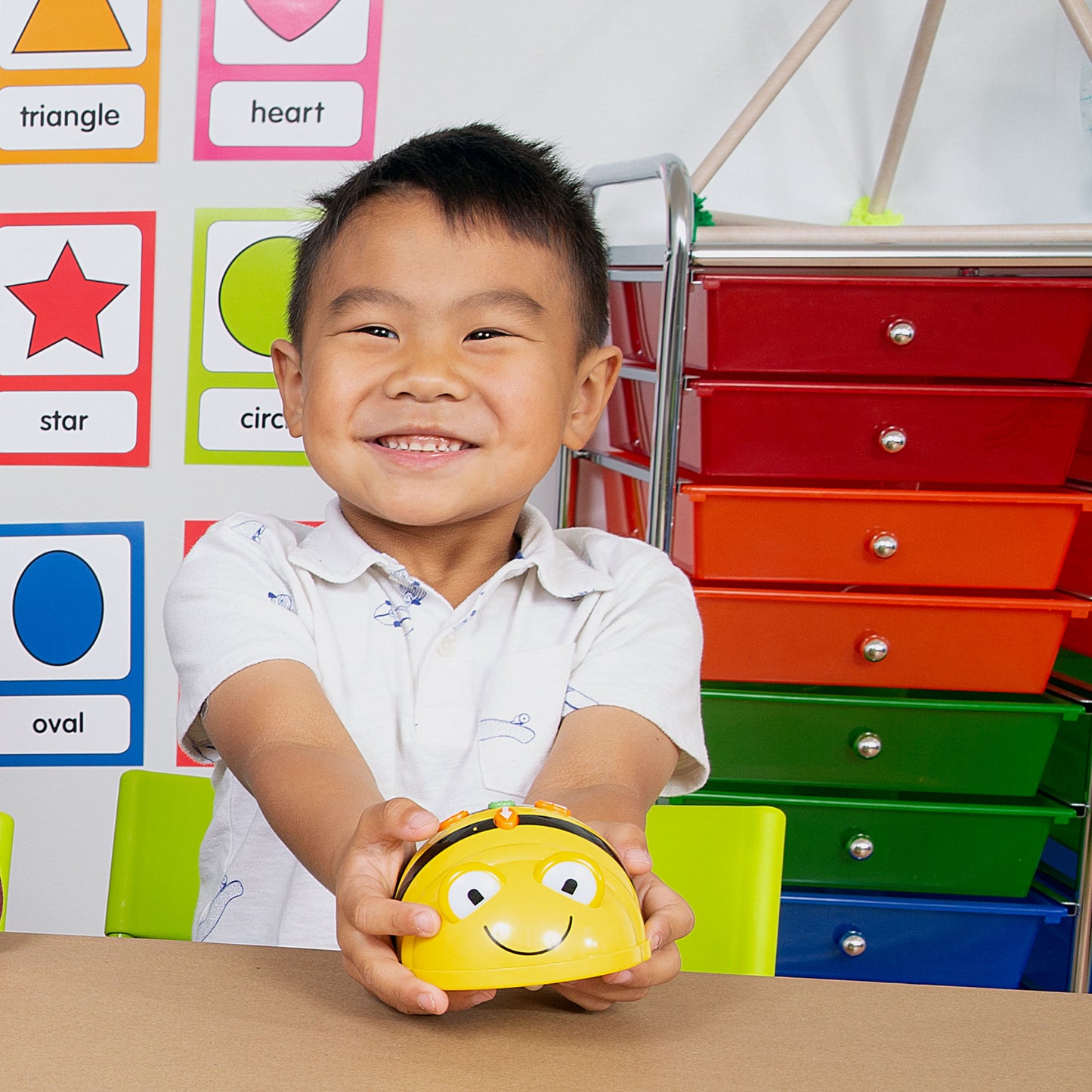
Introduce your youngest learners to coding with Bee-Bot—the friendly, button-programmed robot that teaches sequencing, directional language, and problem-solving through hands-on play. No screens, no apps, no experience needed.

544 in stock

Students Served: 2 students per robot
No Screens or Apps Required
Works With 30+ Cross-Curricular Mats
Educator Favorite
Educator Favorite
Inclusive for All Learners
WHAT'S INCLUDED
  • Bee-Bot Programmable Robot
  • USB charging cord
  • User guide
SPECIFICATIONS & SAFETY
  • Dimensions: 7 cm x 10 cm x 13 cm
  • Brand: TTS
  • Quantity: 1
View full details
Bee-Bot® Programmable Robot Single Set

Bee-Bot® Programmable Robot Single Set

Regular price $99.75
Regular price $0.00 Sale price $99.75

Frequently Bought Together

1
Bee-Bot® PreK-2 Activity Bundle
+
2
Bee-Bot®and Blue-Bot® Changeable Maze
+
3
Bee-Bot® Obstacle Course

Total: $572.00 (3 items)
Bee-Bot® Programmable Robot Single Set

Press. Program. Play.

Bee-Bot is the friendly floor robot that makes coding tangible for your youngest learners. With simple directional buttons on top and 15 cm steps that students can see and count, Bee-Bot turns abstract programming concepts into hands-on, screen-free adventures across any subject area.
Directional Button Programming

Directional Button Programming

Students press forward, back, left, right, go, and clear buttons directly on Bee-Bot, building coding confidence one step at a time with immediate, visible feedback.

200-Step Memory

200-Step Memory

Bee-Bot remembers up to 200 commands in a single program, giving students room to build increasingly complex sequences as their skills grow.

Custom Audio Recording

Custom Audio Recording

Students and teachers can record unique sounds for each button, making Bee-Bot more engaging and accessible for learners with auditory or visual processing needs.

Cross-Curricular Mat Compatibility

Cross-Curricular Mat Compatibility

Pair Bee-Bot with literacy, math, geography, science, and SEL mats to weave coding into the subjects you already teach.

What Students Can Do

From their very first session, students are programming, problem-solving, and collaborating—building computer science confidence one press at a time.
  • Program sequences using forward, back, left, and right buttons
  • Estimate distances and count 15 cm steps to reach a target
  • Debug programs by clearing and reprogramming when Bee-Bot lands in the wrong spot
  • Record custom audio for each button to personalize the coding experience
  • Navigate cross-curricular mats in literacy, math, and geography
  • Collaborate with a partner to plan and execute multi-step routes

Compare Similar Products

Feature Current Product
Bee-Bot® Programmable Robot Single Set
Blue-Bot® Programmable Robot Single Set
Price $99.75 $134.00
Grade Level PreK–2K–2
Screen-Free Operation
Bluetooth/App Control
Clear Shell Design
Cross-Curricular Mat Library 30+ mats30+ mats
Custom Audio Recording
Best For The youngest learners (ages 3+) getting their first hands-on, screen-free coding experienceStudents ready for Bluetooth connectivity and app-based programming
View Details

Step 1—Charge: Connect Bee-Bot to a USB port or wall adapter using the included USB cord. A full charge provides several hours of classroom use.

Step 2—Place on a Mat: Set Bee-Bot on any flat surface or cross-curricular mat. Mats add subject-area context—literacy, math, geography, science, and more—to every coding session.

Step 3—Program: Students press the directional buttons on top of Bee-Bot—forward, back, left turn, right turn—to build a sequence of commands. Bee-Bot stores up to 200 steps at a time.

Step 4—Press Go: Hit the green GO button and watch Bee-Bot execute the program, moving 15 cm per step and turning 90 degrees per turn. Students see their code come to life right on the mat.

Step 5—Debug and Retry: If Bee-Bot doesn't land where expected, students press CLEAR, rethink their sequence, and try again. Every mistake is a learning opportunity.

Step 6—Personalize: Record custom sounds for each button to make the experience more engaging—or to support students with auditory or visual processing needs.

Career-Connected Computer Science

Bee-Bot introduces the foundational coding and problem-solving skills that drive careers in technology, engineering, and design. As students program Bee-Bot using simple directional buttons, they practice the same sequencing, debugging, and logical reasoning used by software developers, robotics engineers, and logistics professionals.

Industry Applications: Computer programming, robotics engineering, game design, logistics and planning, automation, and educational technology.

Science

  • Cause and effect
  • Observation
  • Prediction
  • Hypothesis testing
  • Data collection
  • Classification

Technology

  • Sequencing
  • Algorithmic thinking
  • Debugging
  • Directional programming
  • Computational thinking

Engineering

  • Problem-solving
  • Spatial reasoning
  • Design thinking
  • Iterative testing
  • Collaboration

Math

  • Counting
  • Estimation
  • Measurement (15 cm steps, 90° turns)
  • Patterns and sequences
  • Spatial reasoning
  • Directional language

Support Materials

Videos, guides, and resources to help you get the most out of this product.

Videos

Bee-Bot® & Blue-Bot® Programmable Floor Robots

Learning Inspiration: Exploring Algorithms with Blue-Bot®

Learning Inspiration: Debugging with Bee-Bot®

Bee-Bot® & Blue-Bot® Accessories

Getting an early start with coding

Why Teachers Love Bee-Bot®

Screen-Free Coding

Screen-Free Coding

No tablets, apps, or logins required. Students learn to code using buttons they can see and touch—perfect for PreK–2 classrooms.

Built-In Accessibility

Built-In Accessibility

Custom audio recording for each button makes Bee-Bot inclusive for students with auditory or visual processing needs, so every child can participate.

Cross-Curricular Ready

Cross-Curricular Ready

Pair Bee-Bot with 30+ mats and activity tins to integrate coding into literacy, math, geography, science, and social-emotional learning.

Rechargeable and Reliable

Rechargeable and Reliable

USB rechargeable batteries mean no ongoing battery costs and no downtime hunting for replacements. Charge overnight, code all day.

Classroom-Tested Design

Classroom-Tested Design

Bee-Bot's durable, friendly design has been trusted by educators worldwide for years, making it the go-to robot for early childhood coding.

Scales with Your Program

Scales with Your Program

Start with a single Bee-Bot, then expand to the Basics class pack or Getting Started Package as your coding program grows.

Flexible Purchasing Options

Pricing and volume discounts are built in—choose the path that fits your purchasing process.

Buy Online

Best if you know what you need and can buy online.

Ready to purchase now? Add this to your cart for fast, easy checkout.

Request a Quote

Need a quote for approval or purchase order processing?

Request a quote or connect with an Education Advisor before purchasing.

Request a Quote

Get Expert Guidance

Exploring options or planning a larger implementation?

Our Education Advisors can help with product selection, curriculum, and professional learning.

Book a Meeting

Frequently Asked Questions

What's the difference between Bee-Bot and Blue-Bot?

Bee-Bot is a screen-free, button-programmed robot designed for ages 3–8. Blue-Bot adds Bluetooth connectivity, a see-through shell, and app-based programming for students ready to take the next step. Both robots work with the same mats and accessories.

Do I need any coding experience to teach with Bee-Bot?

Not at all. Bee-Bot was designed for educators with no prior coding background. Students program directly using the buttons on top of the robot—no software, no setup, no troubleshooting.

What mats and accessories work with Bee-Bot?

Bee-Bot works with 30+ cross-curricular mats and activity tins covering literacy, math, geography, science, and social-emotional learning. Popular options include the Changeable Maze, Obstacle Course, World Bundle, and Construction Site Activity Tin.

How long does the battery last?

A full USB charge gives Bee-Bot several hours of classroom use. Simply plug in overnight using the included USB cord and Bee-Bot is ready to go the next morning.

Can Bee-Bot be used in out-of-school-time programs?

Absolutely! Bee-Bot is a favorite for after-school programs, summer camps, and library makerspaces. Its screen-free design and simple button controls make it easy for non-classroom facilitators to lead coding activities.

How many Bee-Bots do I need for my class?

We recommend one Bee-Bot per pair of students. For a full class of 24, the Bee-Bot Basics class pack (6 robots) or Getting Started Package (6 robots plus mats and accessories) is the most cost-effective option.