Blue-Bot® Getting Started Package

Regular price $1,099.00
Regular price $0.00 Sale price $1,099.00
Grades K-2

Blue-Bot Getting Started Package—Everything You Need to Launch K–2 Coding

Regular price $1,099.00
Regular price $0.00 Sale price $1,099.00
Shipping calculated at checkout.

SKU: SKU:46696

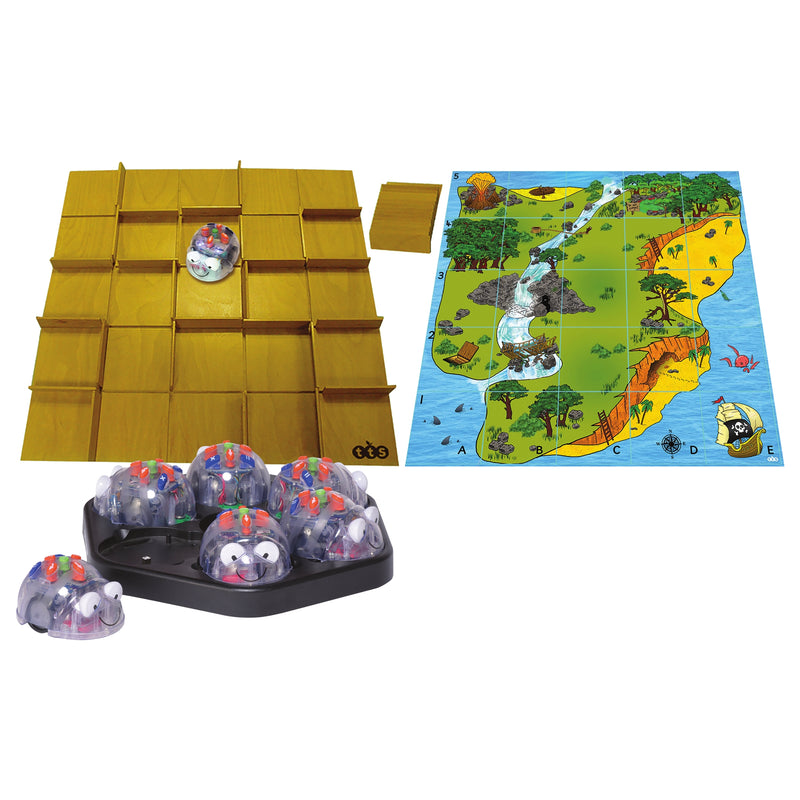
Six Blue-Bots, a rechargeable docking station, a configurable maze, and a Treasure Island mat—all in one package. The Blue-Bot Getting Started Package gives your class everything it needs to start coding on day one.

In stock

Students Served: Up to 24 students (groups of 4 per robot)
No Experience Required
Classroom Management Made Easy
Maze and Mat Included
Pitsco Exclusive
Pitsco Exclusive
WHAT'S INCLUDED
  • 6 Blue-Bot® Programmable Robots
  • Docking station
  • 1 Blue-Bot Changeable Maze
  • 1 Treasure Island mat
  • USB charging cord
  • User guide
SPECIFICATIONS & SAFETY
  • Brand: TTS
View full details
Blue-Bot® Getting Started Package

Blue-Bot® Getting Started Package

Regular price $1,099.00
Regular price $0.00 Sale price $1,099.00

Frequently Bought Together

1
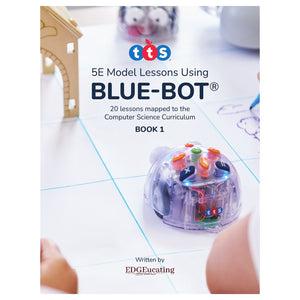
Blue-Bot® Curriculum Volume 1
+
2
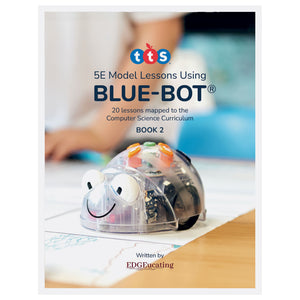
Blue-Bot® Curriculum Volume 2
+
3
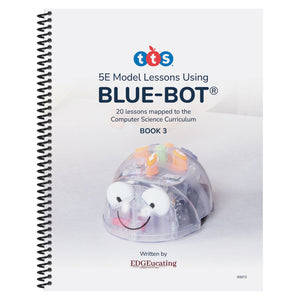
Blue-Bot® Curriculum Volume 3

Total: $122.25 (3 items)
Blue-Bot® Getting Started Package

Unbox. Dock. Code. Explore.

The Blue-Bot Getting Started Package is the fastest way to bring coding to your K–2 classroom. Six Bluetooth-enabled Blue-Bots, a rechargeable docking station for effortless classroom management, and a configurable maze and Treasure Island mat that turn coding into an adventure—right out of the box.
Rechargeable Docking Station

Rechargeable Docking Station

Charge all six Blue-Bots at once on the included docking station. No hunting for batteries, no cords tangling—just dock overnight and code all day.

Configurable Maze

Configurable Maze

The Changeable Maze snaps together in multiple layouts, letting you create new spatial reasoning challenges every session. Students plan routes, test their code, and iterate—building computational thinking through play.

Treasure Island Mat

Treasure Island Mat

A vibrant, story-driven coding mat that turns programming into a narrative adventure. Students guide Blue-Bot through a treasure hunt, integrating literacy, geography, and sequencing in every lesson.

Three Programming Modes

Three Programming Modes

Students start with onboard directional buttons, graduate to the free Blue-Bot app on a tablet, or use the TacTile Reader (sold separately) for screen-free, tactile coding—meeting every learner where they are.

What Students Can Do

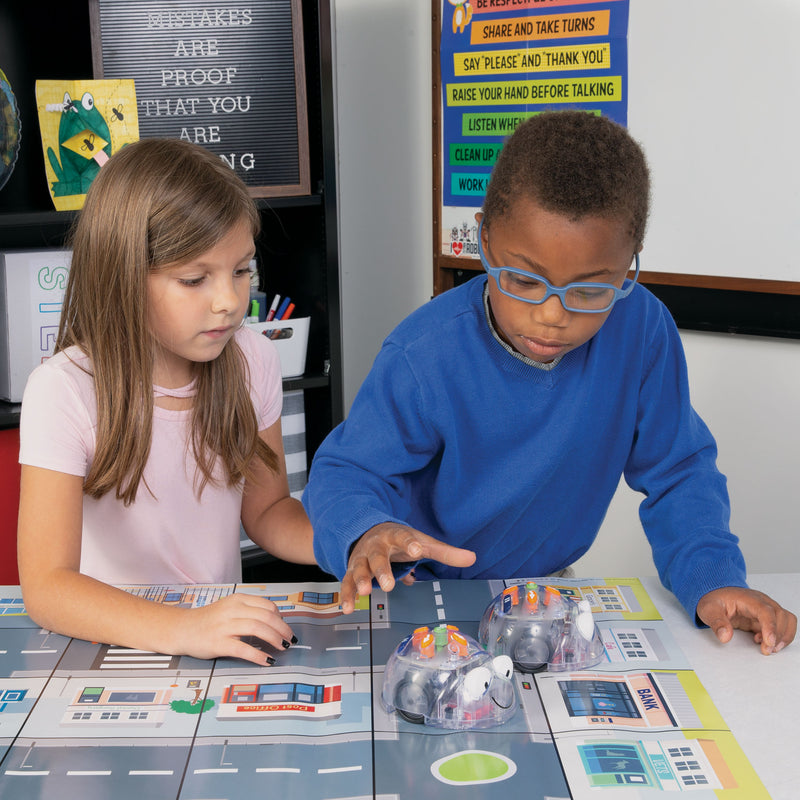
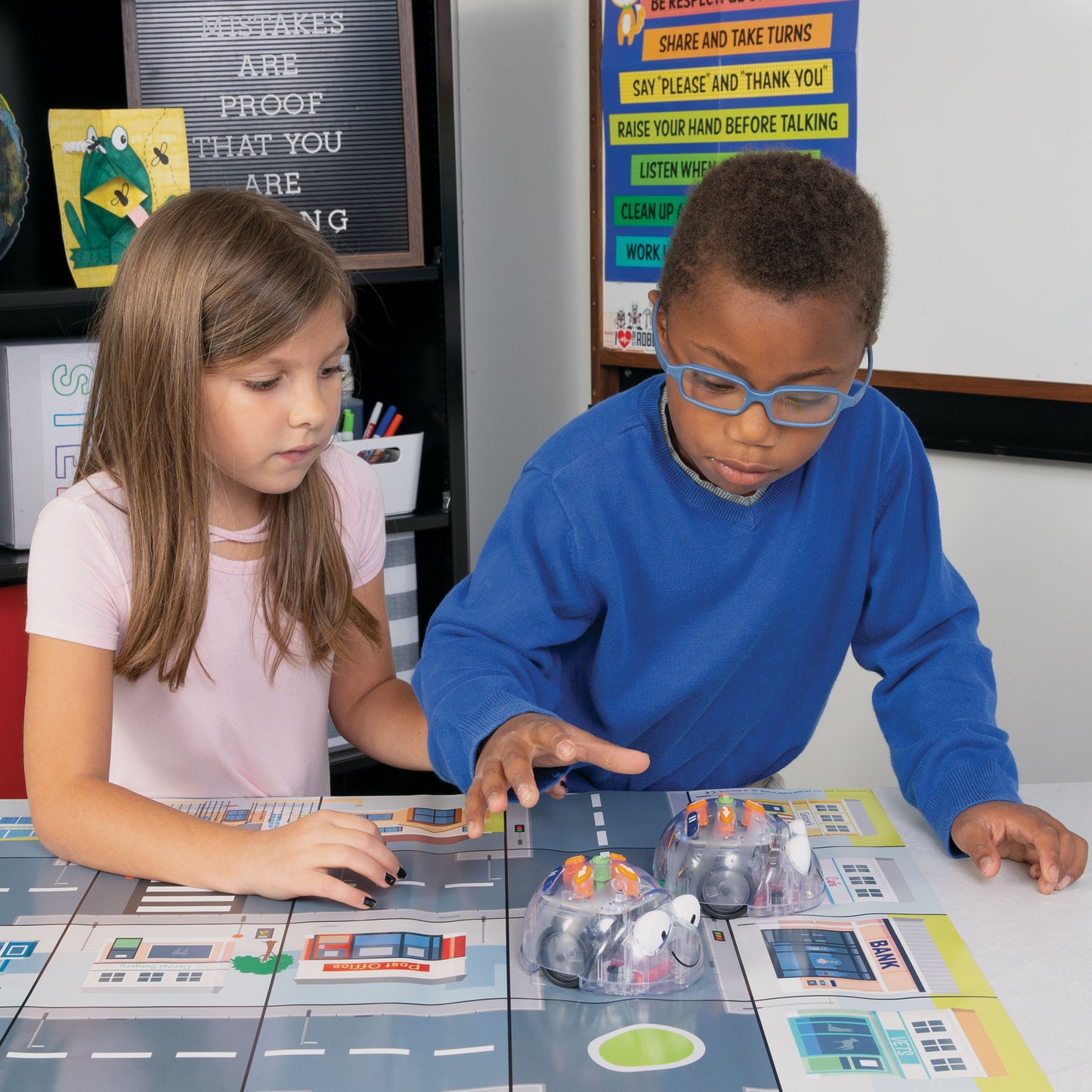
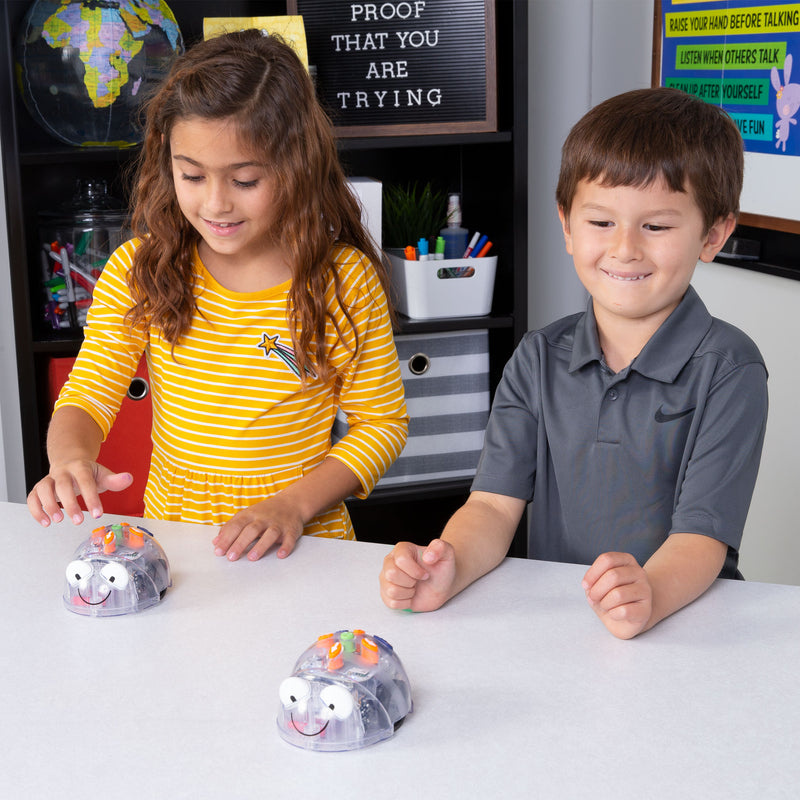
With six robots in the room, every student gets hands-on coding time—building skills through practice, collaboration, and creative problem-solving.
  • Program sequences using directional buttons on the robot
  • Navigate the Changeable Maze by planning and testing routes
  • Follow a treasure hunt narrative on the Treasure Island mat
  • Code wirelessly using the free Blue-Bot app on a tablet
  • Record custom sounds to personalize each Blue-Bot
  • Collaborate on multi-robot challenges using robot-to-robot detection
  • Debug programs by observing and refining Blue-Bot movements

Compare Similar Products

Feature Current Product
Blue-Bot® Getting Started Package
Blue-Bot® Class Pack with Rechargeable Docking Station Blue-Bot® Programmable Robot Single Set
Price $1,099.00 $869.00 $134.00
Number of Blue-Bots 66 1
Docking Station
Changeable Maze
Treasure Island Mat
Bluetooth Enabled
Students Served Up to 24Up to 24 2
View Details View Details

Step 1—Unbox and Charge: Remove all six Blue-Bots from the package and place them on the rechargeable docking station. Connect the docking station to power and charge overnight before your first session.

Step 2—Set Up the Maze or Mat: Choose between the Changeable Maze and the Treasure Island mat for your first activity. The maze snaps together in multiple configurations, while the mat lays flat and is ready to use immediately.

Step 3—Introduce the Buttons: Show students the seven onboard buttons—forward, back, left turn, right turn, pause, go, and clear. Let them experiment with short programs (2–3 steps) before building up to longer sequences.

Step 4—Code and Navigate: Challenge students to program Blue-Bot to navigate through the maze or reach a destination on the Treasure Island mat. Students plan their route, enter commands, press GO, observe the result, and debug as needed.

Step 5—Level Up with the App: When students are ready, connect Blue-Bots to tablets via Bluetooth and introduce the free Blue-Bot app for drag-and-drop programming with repeat loops and longer sequences.

Career-Connected Computer Science

The Blue-Bot Programmable Robot introduces the foundational coding and problem-solving skills that drive careers in technology, engineering, and design. As students program Blue-Bot using buttons, the Bluetooth app, or the TacTile Reader, they practice the same sequencing, debugging, and logical reasoning used by software developers, robotics engineers, and game designers.

Industry Applications: Computer programming, robotics engineering, game design, animation, automation, and educational technology.

Science

  • Cause and effect
  • Hypothesis testing
  • Observation
  • Variables
  • Data collection
  • Scientific method through play

Technology

  • Sequencing
  • Algorithmic thinking
  • Debugging
  • Block-based coding concepts
  • Directional programming
  • Bluetooth connectivity

Engineering

  • Problem-solving
  • Spatial reasoning
  • Design thinking
  • Iterative testing
  • Prototyping
  • Collaboration

Math

  • Counting
  • Estimation
  • Measurement (15 cm steps, 90° turns)
  • Patterns and sequences
  • Spatial reasoning
  • Data analysis

Support Materials

Videos, guides, and resources to help you get the most out of this product.

Why Teachers Love the Blue Bot Getting Started Pack

Complete Classroom Kit

Complete Classroom Kit

Six Blue-Bots, a docking station, a maze, and a mat—everything you need to launch a coding program for up to twenty-four students, right out of the box.

Effortless Classroom Management

Effortless Classroom Management

The rechargeable docking station charges all six robots at once. No batteries, no cords, no hassle—just dock and go.

Built-In Activities

Built-In Activities

The Changeable Maze and Treasure Island mat provide hours of coding challenges without any additional purchases or lesson planning.

Three Programming Pathways

Three Programming Pathways

Onboard buttons, the free Blue-Bot app, and the optional TacTile Reader give every student a way in—regardless of ability or learning style.

Cross-Curricular Ready

Cross-Curricular Ready

Blue-Bot integrates naturally with literacy, math, geography, and science instruction—so coding never feels like an add-on.

Pitsco Exclusive

Pitsco Exclusive

Backed by 50+ years of hands-on STEM education expertise, with dedicated support from the Pitsco team.

Flexible Purchasing Options

Pricing and volume discounts are built in—choose the path that fits your purchasing process.

Buy Online

Best if you know what you need and can buy online.

Ready to purchase now? Add this to your cart for fast, easy checkout.

Request a Quote

Need a quote for approval or purchase order processing?

Request a quote or connect with an Education Advisor before purchasing.

Request a Quote

Get Expert Guidance

Exploring options or planning a larger implementation?

Our Education Advisors can help with product selection, curriculum, and professional learning.

Book a Meeting

Frequently Asked Questions

What is the difference between the Getting Started Package and the Class Pack?

The Getting Started Package includes six Blue-Bots, a rechargeable docking station, a Changeable Maze, and a Treasure Island mat—so you are ready to code from day one with built-in activities. The Class Pack includes six Blue-Bots and a docking station but no maze or mat, making it a great option if you already have accessories or want to choose your own.

How many students can this package support?

The Getting Started Package serves up to twenty-four students when working in groups of four per robot. With six Blue-Bots running simultaneously, every student gets meaningful hands-on coding time.

Do I need a tablet to use Blue-Bot?

No. Blue-Bot works perfectly with just the onboard buttons—no tablet, computer, or app required. The Bluetooth app and TacTile Reader are optional enhancements that add screen-based and tactile programming modes when your students are ready.

Is there curriculum available?

Yes. Pitsco offers three Blue-Bot Curriculum volumes (sold separately), each with 20 cross-curricular 5E Model lessons aligned to CSTA, ISTE, and NGSS standards. That is 60 lessons total—more than enough for a full year of coding instruction.

How does the docking station work?

The rechargeable docking station holds and charges all six Blue-Bots at once. Plug the station into a standard outlet, place the robots on the charging contacts, and they are ready to go. No individual USB cables needed.

Can I add more Blue-Bots later?

Absolutely. Individual Blue-Bot Programmable Robots can be added to your fleet at any time. You can also add the Class Pack for another six robots and a second docking station.